Browsing your wall
Your wall shows the people you captured in the app. Search by name to find someone on it. You can also see people you have archived.
A capture you have not named still appears on your wall, labelled with their phone number or as Unknown.
Contact details and notes
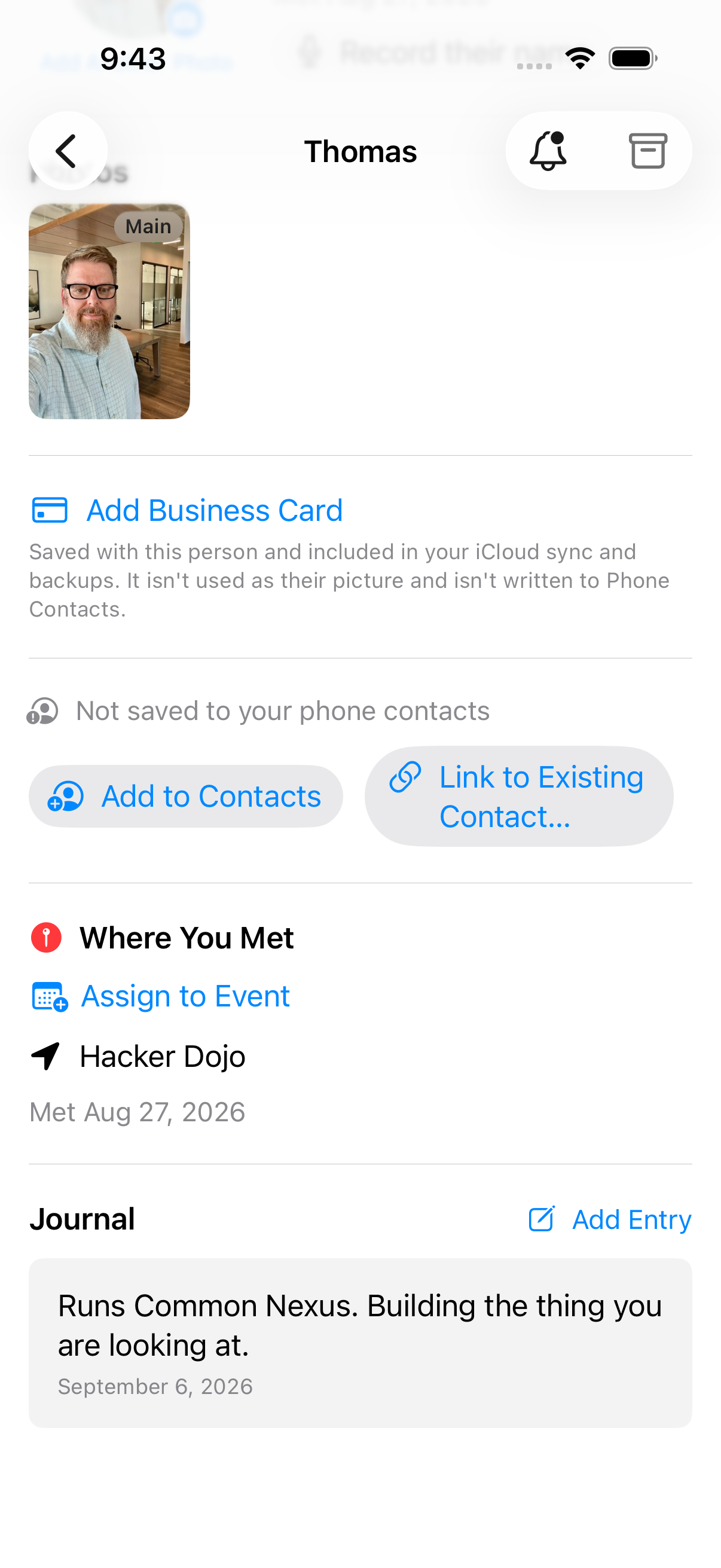
Each contact's detail page shows phone numbers, emails, and your private context notes.
- Context Notes — track conversations, interests, and key details
- Quick actions — call, message, or set a reminder directly
Your interaction log
Nexus Contacts cannot see your calls or your messages. iOS does not offer that, and the app does not ask for it.
What it has is a log you write. After you talk to someone you can record it in the app, with the date, the kind of contact it was, how long it lasted, and anything you want to remember about it. It sits on that person's page.
So the history is yours in the most literal sense available. It exists because you wrote it down, and it says what you said.
Places: everyone you've met, on a map
One pin per place, not per person. Meet six people at one meetup and that is one pin with six faces behind it. Pinch out to widen the search and the list follows whatever you are looking at.
People you met somewhere without a location saved are not dropped. Not on the map sits with the rest and holds them, one tap away.
Some pins come from the event rather than from the person. Those say placed from the event, so you can tell what the app recorded from what it worked out.
The pins are worked out on your device, from the location saved with each capture. The map underneath is Apple Maps, which loads imagery over the network — so Apple sees the area you are looking at, and looks up the name of where you are as the screen opens, before you save anything. Who those people are, and anything you have written about them, is never part of that request.
You will find Places in the menu on your wall, once there are people on it.
Practice Names
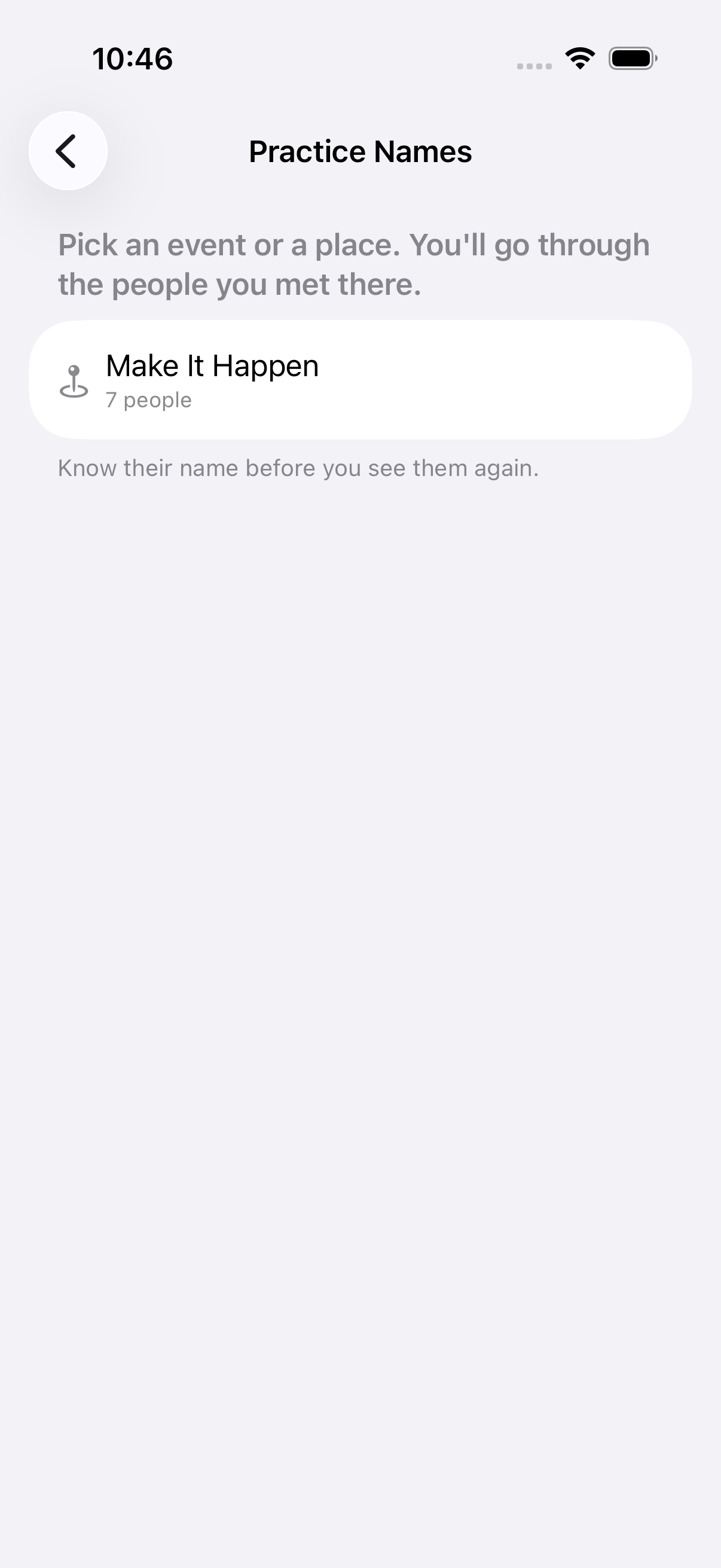
Pick an event or a place, and go through the people you met there. Not your whole address book — one gathering.
A card shows a face and asks who it is. When there is no photo it asks you to pick the name instead, and it can remind you where you met. Show the name when you want it, then say how it went: Got it, Nearly, or No. What you say decides who comes back, and when.
Nothing keeps count. Someone you keep missing just comes round sooner.
You will find Practice Names in the menu on your wall, once there are people on it.
Recording how they say their name
The recording screen is split in half and turned around. Your side says Turn the phone to them and ask. Their side, the right way up for them, says Say your name, and they'll remember how to say it. Each half has a record button.
Before your first recording the app asks you, once, to ask them first. It stores nothing about that conversation, because it cannot witness one.
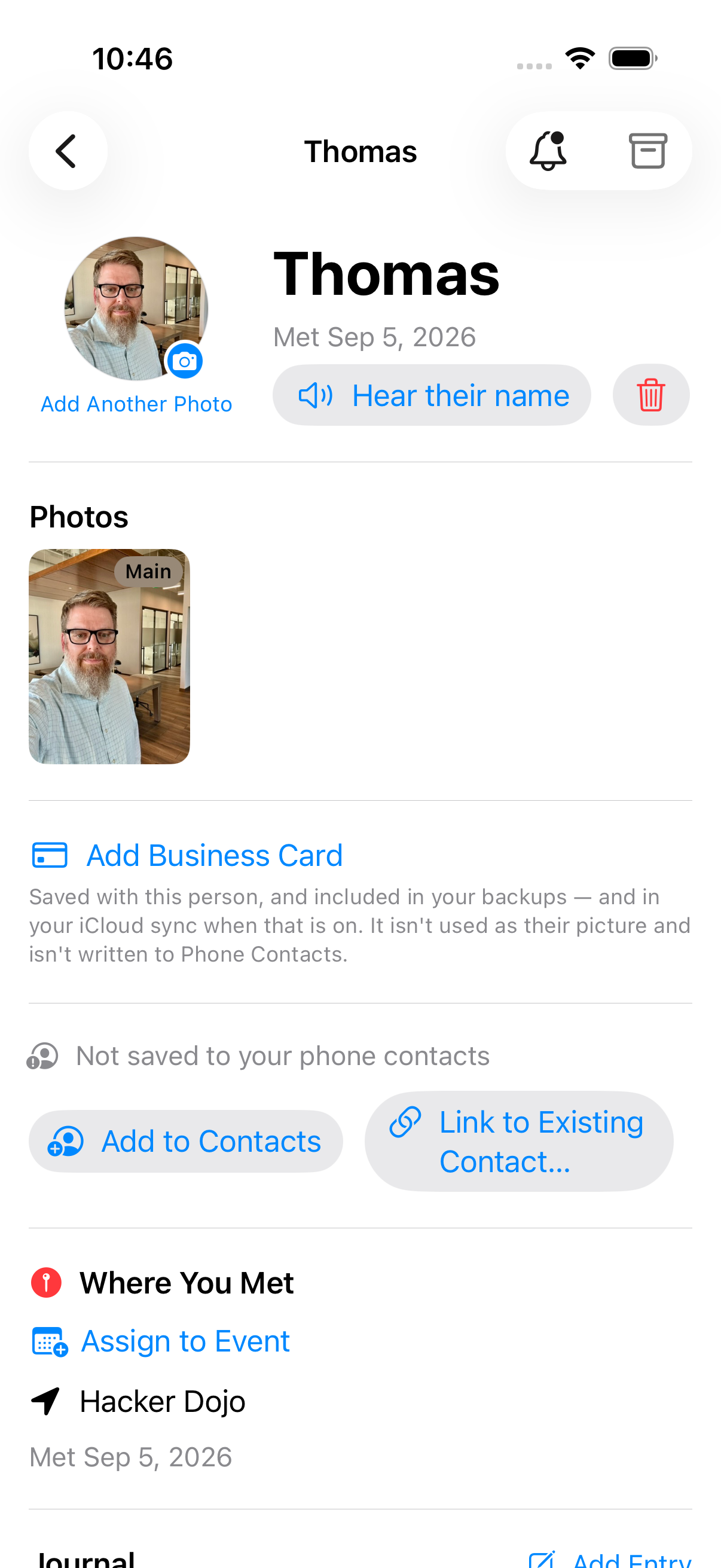
The recording then lives on their card. Open that person and Hear their name is there, with a delete beside it.
Archiving contacts
Long-press a person to archive them. Archived people keep their full history and stay out of your main view until you restore them.
If this page doesn't answer it, email [email protected]. A person reads it.